Don’t type it.
Speak it.
It stays on your device.
Super NotePilot turns your voice into polished text in any app — and your meetings into searchable, AI-ready notes. Everything runs on your Mac or PC. No cloud, no account, no subscription.
Free forever · No account · macOS 12+
- macOS
- Windows
- iOS
- AndroidSoon
- 100%on your device
- 60+languages
- 4×faster than typing
- €0forever — no subscription
Works everywhere you type
One hotkey. Every app.
 Slack
Slack Notion
 Word
Word Chrome
 Safari
 Teams
Teams WhatsApp
 VS Code
 Excel
Excel Gmail
Gmail Figma
Figma Telegram
 Outlook
 Google Docs
 iMessage
 Obsidian
 Discord
See it in action
Speak once. It types everywhere.
Hold the hotkey, talk like a human, release — and Super NotePilot drops clean, ready-to-send text right where your cursor is. Watch it work in the apps you use every day.
- 1Hold the hotkey⌥ Space
- 2Speak naturally
- 3Release — it types
WhatsApp: “uh yeah so tomorrow— wait, let me check… yes tomorrow works, like 3-ish?” → “Tomorrow works great — does 3 pm work for you?” · Gmail: “ok so basically tell everyone kickoff is friday at ten and um bring your roadmaps” → “Hi everyone, our Q3 kickoff is on Friday at 10 am. Please bring your current roadmaps so we can align on priorities.” · Notion: “so takeaways are um ship the beta next week and… oh, Lena owns the changelog, review feedback friday” → “Ship the beta next week Lena owns the changelog Review user feedback on Friday”
Auto-playing demo — click an app to jump
Works in every app where you can type — Slack, VS Code, Word, Figma, and thousands more.
AI cleanup, built in
You ramble. It writes.
Speak naturally — with ums, restarts and side thoughts. Gemma polishes it into clear, ready-to-send text, right on your device.
“uh so basically can we like move the meeting to thursday because i have that uh dentist thing on wednesday and also um can you send me the deck before”
Could we move the meeting to Thursday? I have a dentist appointment on Wednesday. Also, please send me the deck beforehand.
✨ Polished by Gemma — locally, in under a second.
Built for speed
Speaking is 4× faster than typing.
The average person types ~40 words per minute but speaks ~160. Super NotePilot turns that speed into finished text — without the cleanup pass.
Your thoughts, at the speed of speech.
Everything it does
One private app for every voice task.
Dictation, meeting notes, AI rewriting and a chat over your own notes — running Gemma + Whisper fully on your device.
Push-to-talk anywhere
Two global hold hotkeys: Dictate & copy to your clipboard, or Freehand to type straight into any app.
Record & Meeting
Capture your mic or a whole meeting with a live transcript that scrolls as people speak.
Multi-dimension AI
Polish, key points, formal, short, long, action items and summaries — one tap each, powered by Gemma.
Ask your notes
Chat with your library. Answers are grounded in your recordings with citations and can be read aloud.
History & export
Every note is searchable, taggable and exportable to clean Markdown whenever you need it.
Dictionaries & snippets
Teach it names and jargon, and trigger reusable voice snippets so transcripts come out right.
Per-app profiles
Set a different dictation style and language per app, so email reads formal and chat stays casual.
60+ languages
Dictate and transcribe in dozens of languages. Tell it which language you speak — it adapts.
100% on-device
Audio, transcripts and AI all stay local. No account, no cloud, no usage caps — ever.
Push-to-talk
Two hold hotkeys. Your voice, everywhere.
Hold a key, speak, release. Super NotePilot transcribes locally and gives you the result instantly — no window to open, no cursor to chase.
- Dictate & copy — transcribes what you said and drops it on your clipboard, ready to paste anywhere.
- Freehand — types the text straight into your editor, browser, chat or email, exactly where your cursor sits.
A floating voice overlay shows it’s listening, then gets out of your way.
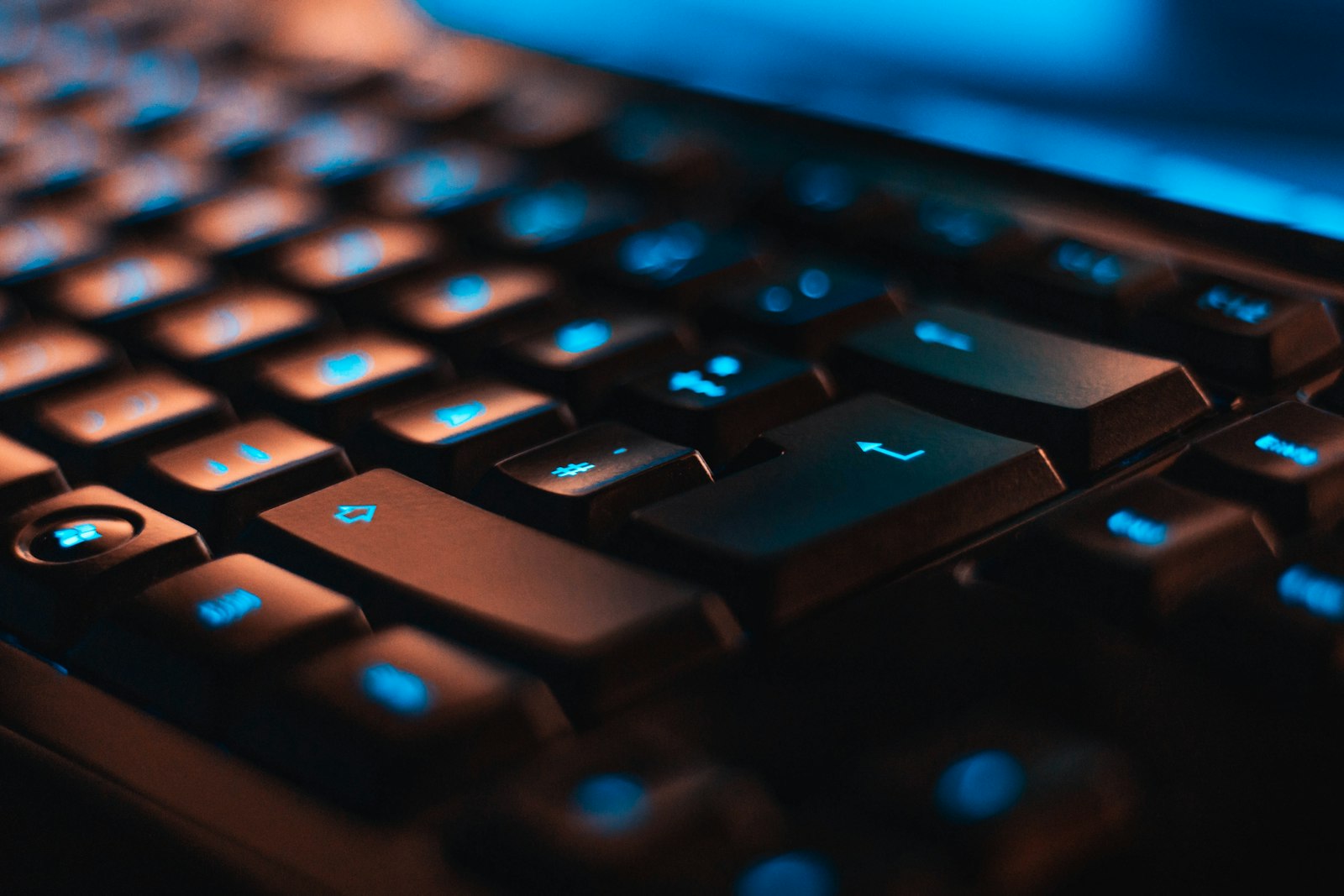
⌥ Space hold → speak → text inserted

Record & Meeting
Capture the conversation, keep the notes.
Record mode grabs your microphone; Meeting mode captures the whole conversation. Either way you watch a live transcript build as people speak.
When it ends, turn it into a summary, pull the action items, or ask what was decided — all without leaving the app.
AI & Ask
Turn raw talk into finished work.
Reshape any transcript in one tap, then chat with your whole library — grounded in your own words.
Multi-dimension rewrites
Polish a rambling dictation, distil key points, formalize for email, shorten or expand, or extract a clean action-item list — each is a single tap, generated on device by Gemma.
Ask, grounded in your notes
Ask questions across everything you’ve captured. Answers cite the exact recordings they came from, so you can verify the source — and you can have any answer read aloud.
Who it’s for
Built for people who think out loud.
If your work lives in words, Super NotePilot gives you the fastest private way to get them down.
Lawyers & doctors
Dictate case notes and patient summaries with full confidentiality — nothing ever leaves the device.
Founders & teams
Turn every meeting into decisions and action items without inviting a cloud bot to the call.
Writers & journalists
Capture interviews and first drafts at the speed of speech, then polish with one tap.
Developers
Dictate commit messages, PR descriptions and docs straight into your editor or terminal.
Students & researchers
Record lectures, get a live transcript, and ask your notes before the exam.
Anyone who values privacy
All the convenience of AI dictation with none of the cloud. Your voice is yours.
Private by design
Your voice never leaves your device.
Super NotePilot downloads Google’s Gemma and OpenAI’s Whisper models once, then works fully offline. Your audio, transcripts and AI prompts are processed on your own hardware — there’s no server, no account, and no usage cap.
That’s not a privacy policy. It’s an architecture.
Get started — it’s freeThe honest comparison
Cloud dictation apps vs. Super NotePilot.
Most AI dictation tools send your voice to servers and charge a monthly fee. We took the other path.
 Super NotePilot Super NotePilot | Cloud dictation apps | |
|---|---|---|
| Where your audio is processed | On your device | Cloud servers |
| Works offline | Yes, fully | No |
| Account required | Never | Yes |
| Price | Free, forever | approx. €10–15 / month |
| GDPR / data protection | By design — data never leaves your device | Depends on the provider |
| Meeting transcription | Built in, with live transcript | Often a separate product |
| AI rewriting | On-device (Gemma) | Cloud LLMs |
| Usage limits | None | Word caps on free plans |
Comparison with typical cloud-based dictation services as of 2026. Features and prices vary by provider.
FAQ
Questions, answered.
Everything you need to know about private, on-device dictation and notetaking.
Is Super NotePilot really private and on-device?
Yes. Audio, transcripts and AI all run entirely on your own device using Google’s Gemma and OpenAI’s Whisper models. Nothing is uploaded to a server, there is no account, and your voice and notes never leave your computer.
Is Super NotePilot GDPR / DSGVO compliant?
Super NotePilot is built privacy-first: all audio and text processing happens locally on your device, so no personal data is transferred to us or any third party. That makes it a natural fit for GDPR-sensitive environments like legal, medical and corporate work. It’s developed by BEK Service GmbH in Germany.
What are the two hold hotkeys?
Super NotePilot has two global push-to-talk hotkeys you hold while you speak. Dictate & copy transcribes what you said and copies it to your clipboard. Freehand types the transcribed text straight into whatever app and text field you’re in, exactly where your cursor sits.
Can Super NotePilot transcribe meetings?
Yes. Record mode captures your microphone and Meeting mode captures the conversation, both with a live transcript as you go. Afterwards you can summarize, pull action items and ask questions about what was said — all on device.
How is Super NotePilot different from cloud dictation apps like Wispr Flow?
Cloud dictation tools send your audio to servers for transcription and AI processing, usually for a monthly subscription. Super NotePilot runs Whisper and Gemma directly on your device: it works offline, requires no account, has no usage caps and is free. You trade nothing for privacy.
Which languages does Super NotePilot support?
Super NotePilot transcribes and dictates in 60+ languages — just tell it which language you speak and it adapts. The app interface is available in English, German, Dutch, French and Spanish, and this website in 16 European languages.
Which platforms is it available on?
Super NotePilot is available now for macOS 12 and later and on iPhone & iPad via the App Store. Windows and Android versions are coming soon.
How much does Super NotePilot cost?
It’s free. A one-time on-device download of the Gemma and Whisper models enables the AI features, after which everything runs offline with no subscription and no usage caps.
Download
Get Super NotePilot.
Free. A one-time on-device download of the Gemma + Whisper models enables the AI features.
Android
Phones & tablets
Coming soon…Start speaking. Stop typing.
Download Super NotePilot free and turn your voice into polished text — privately, on your device.
Download free for macOSNo account. No cloud. No subscription.